sample
In MockFlow, there are lot of sample templates in the store. By the following steps you can able to import the template from store in MockFlow
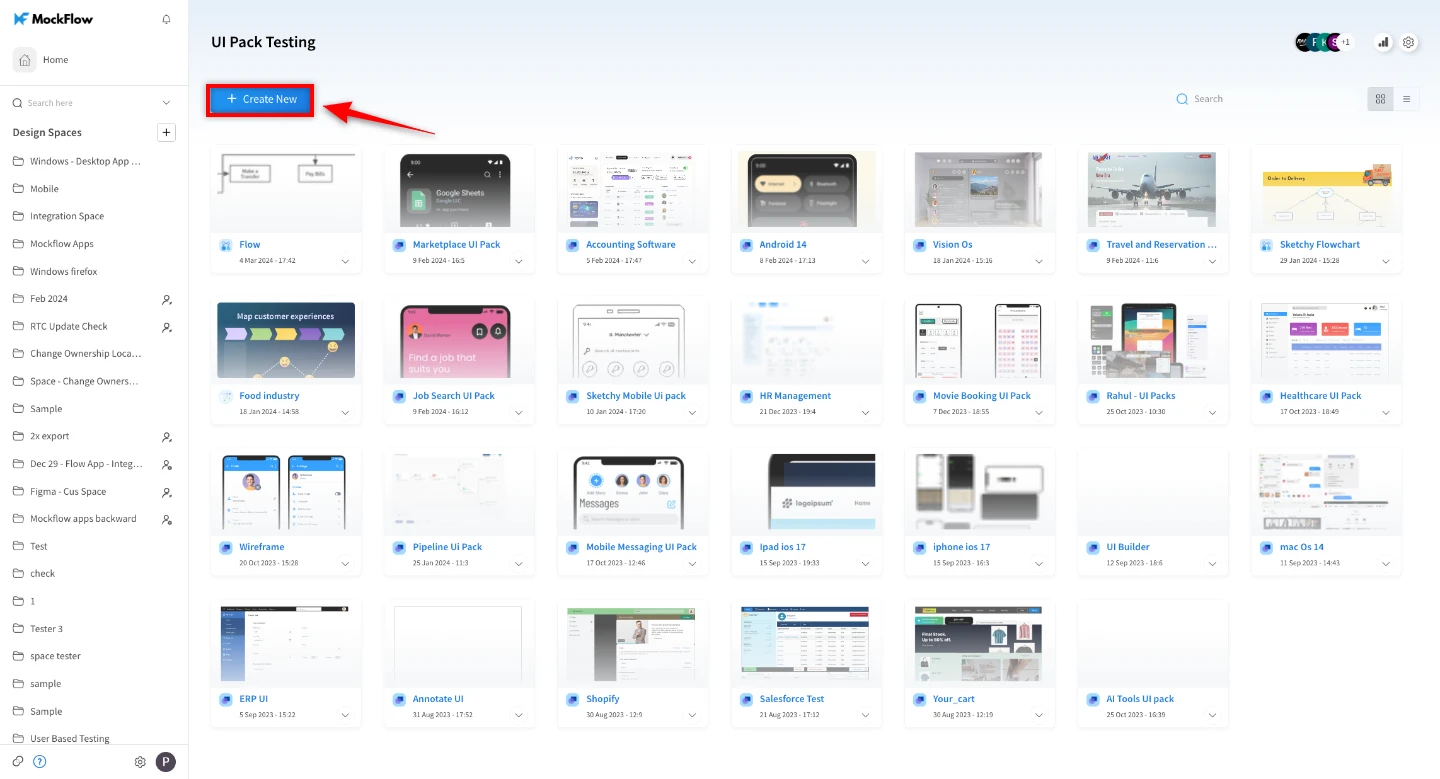
1 Click on Create New to create new project
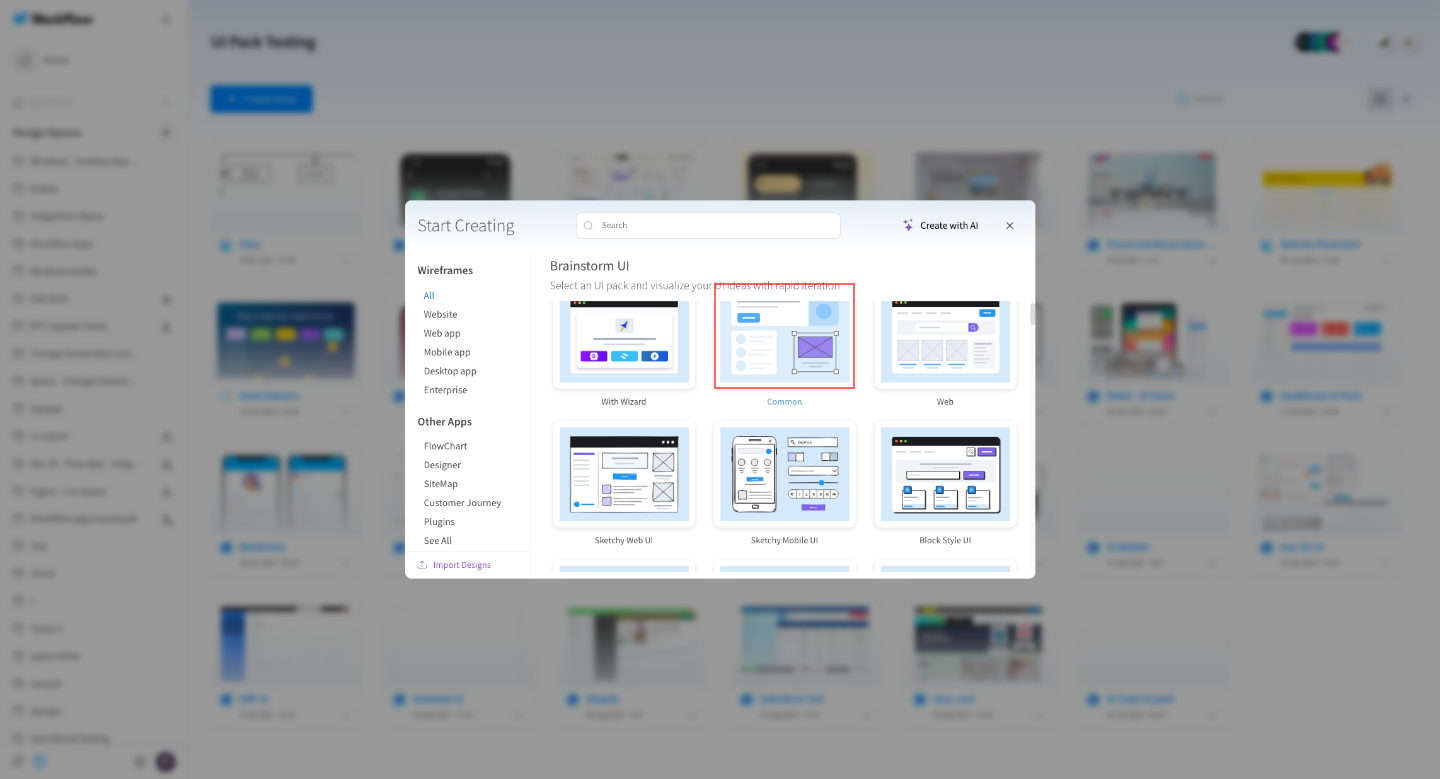
2 Click common
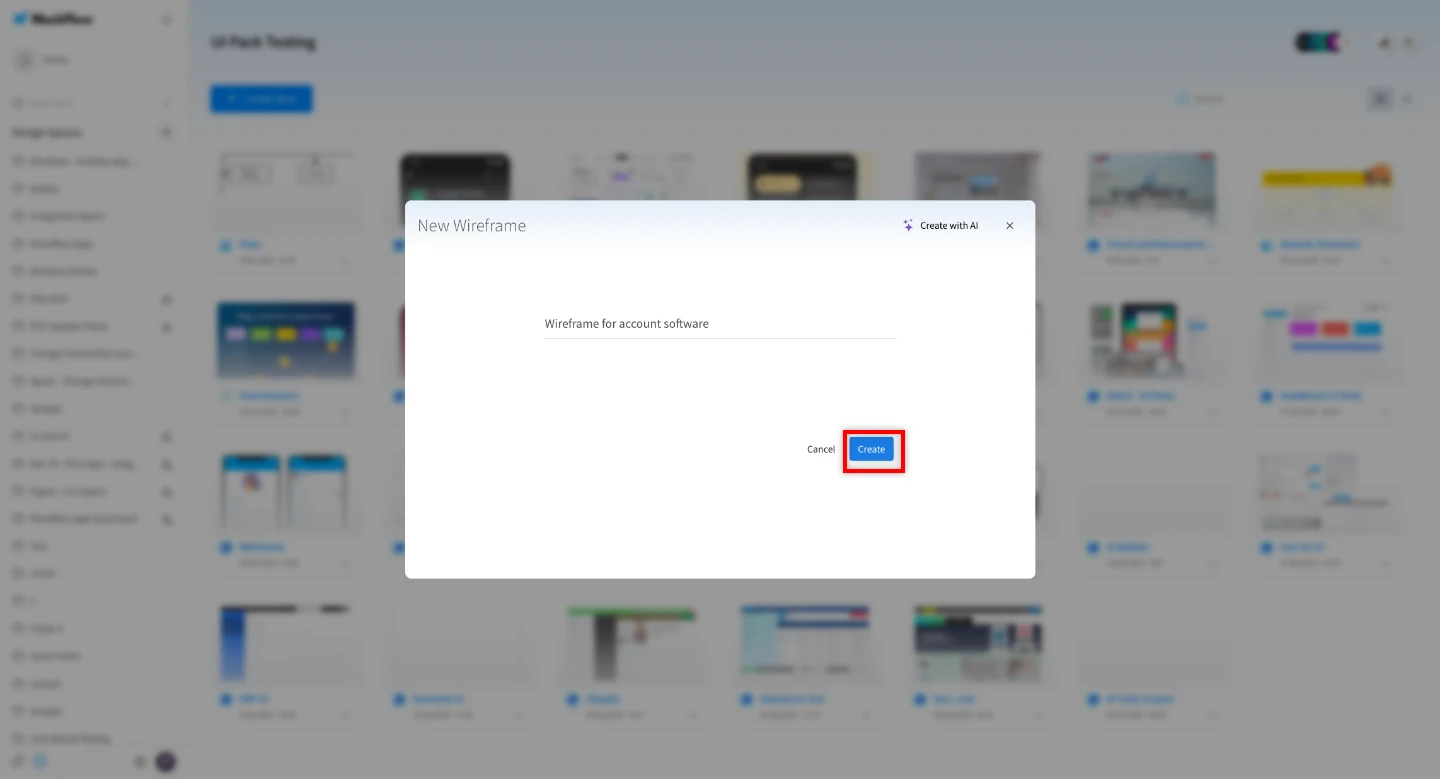
3 Enter project name and click on create
4 Click on store icon

5 Click on Templates
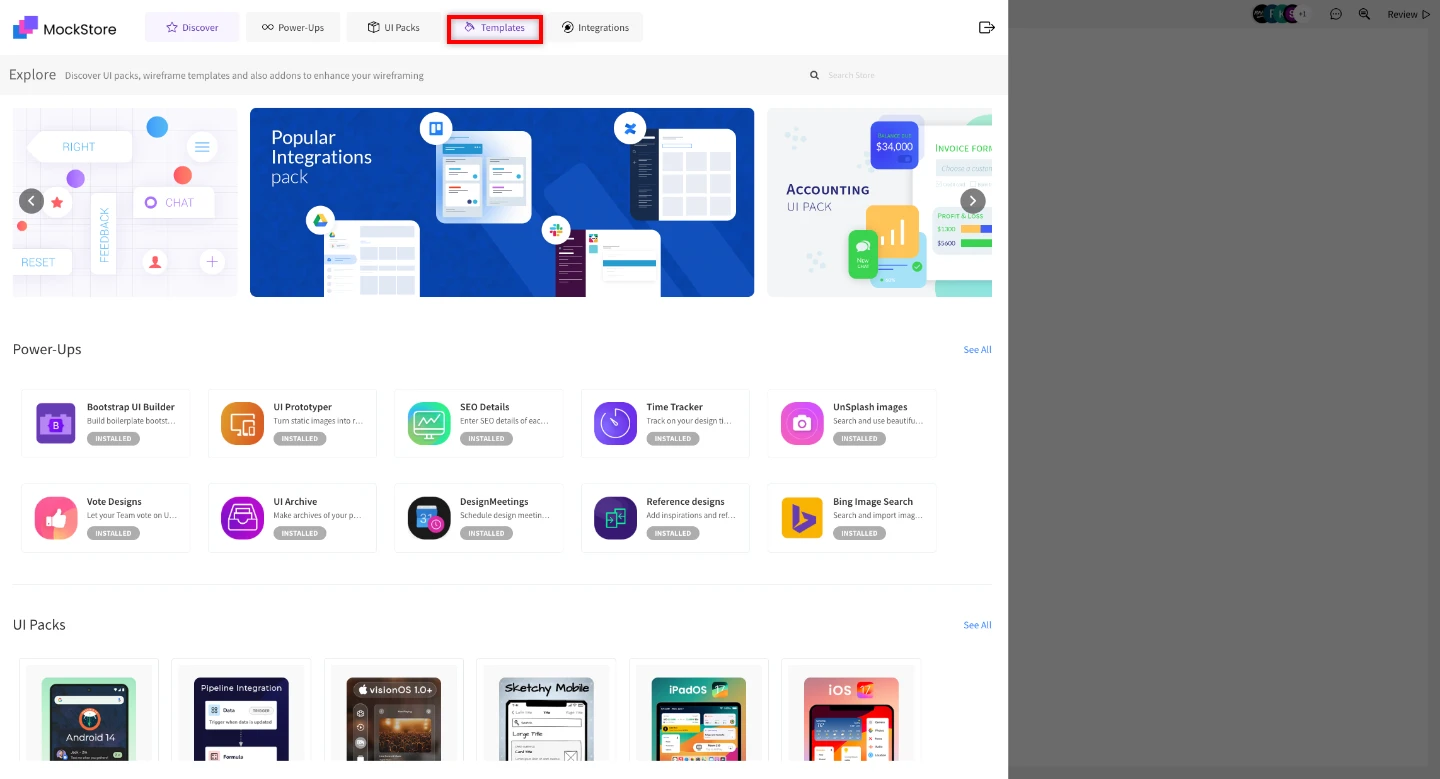
6 Click on the template which you want
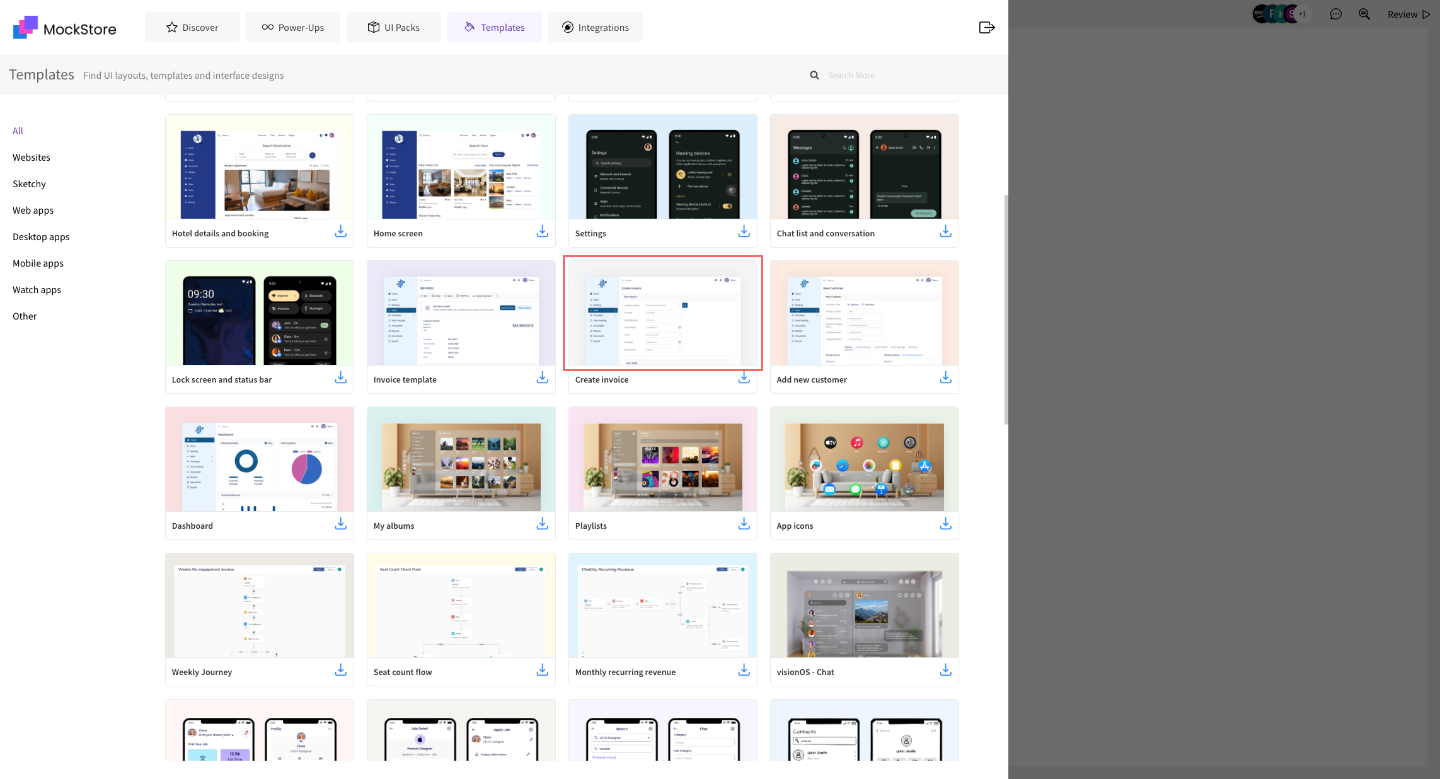
7 Click on Import

8 Click on export icon
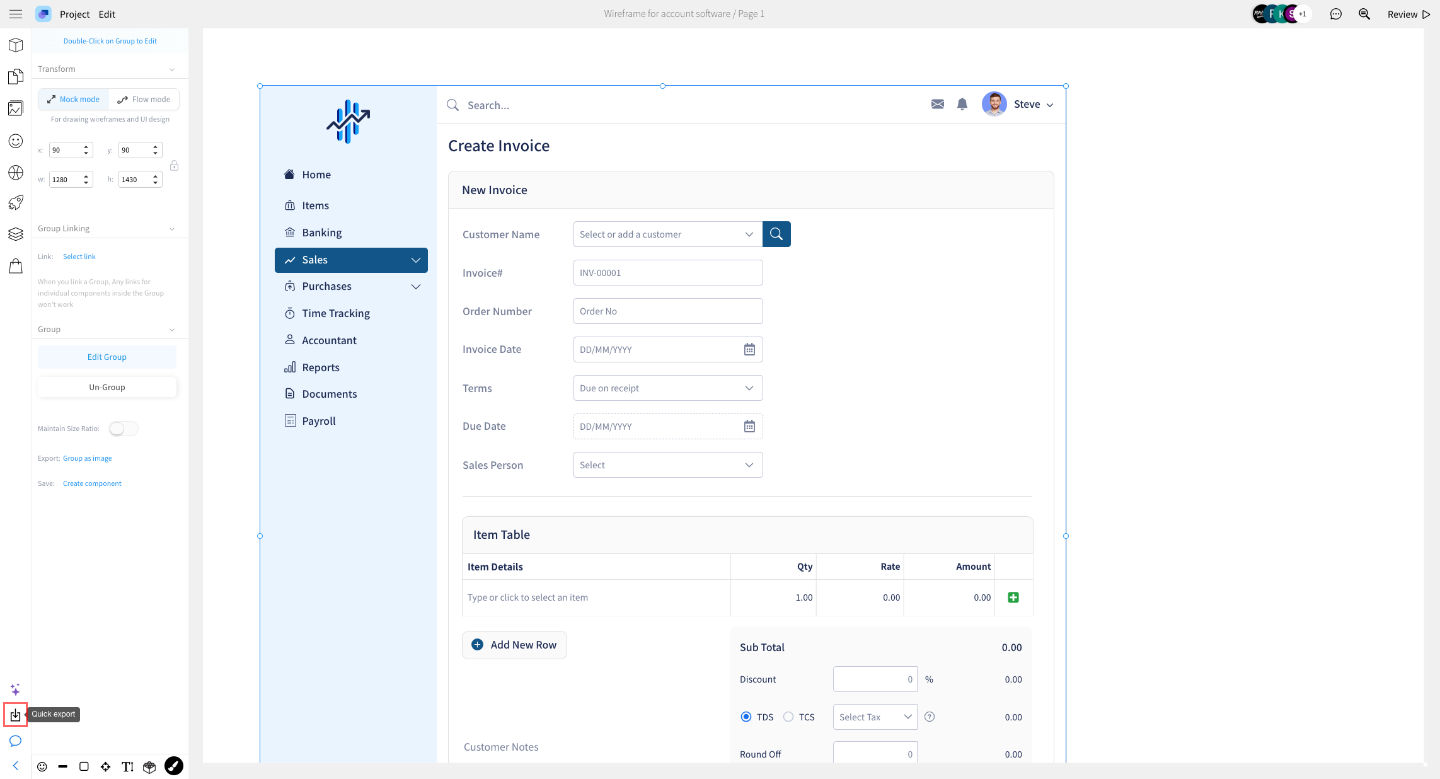
9 Click on Create PNG
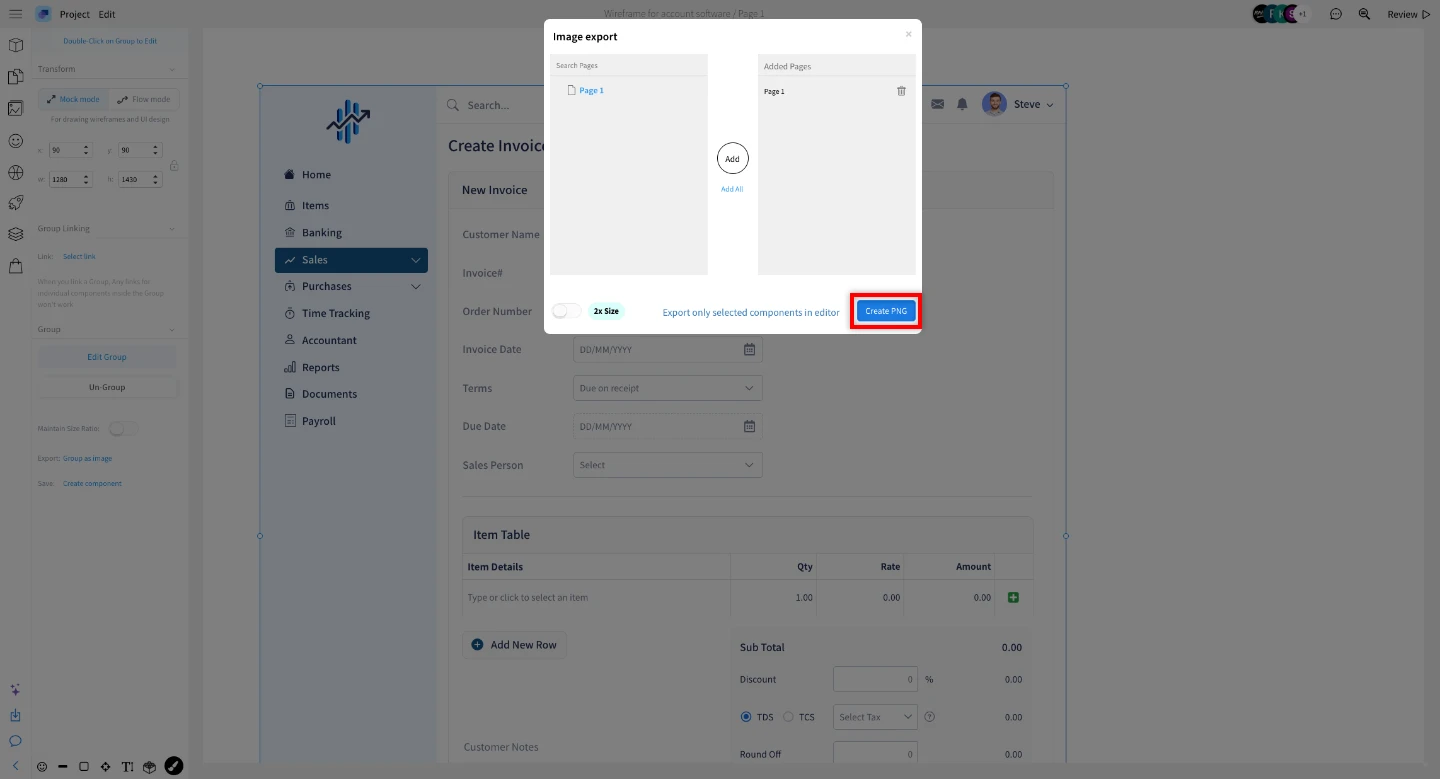
10 Click on Download


